


Every design conversation this year seems to loop back to AI eventually – a client asking whether a mood board was AI-generated, a supplier demonstrating a new rendering plug-in, a colleague forwarding an article claiming the profession is about to be automated. The volume of chatter is out of proportion to how much most studios have actually changed their day-to-day processes.
That gap between conversation and practice is worth sitting with, because it’s exactly where realistic decisions get made. This isn’t an argument for or against AI. It’s an attempt to separate what these tools are genuinely good at – largely the repetitive, time-consuming parts of running a design practice – from what still depends on a trained eye, technical knowledge and a relationship with a client built over more than one meeting.
Why AI Is Changing Interior Design

A few forces are pushing AI tools into daily practice at once, and it helps to name them rather than treat the shift as one vague wave of technology.
Clients now arrive with references pulled from Pinterest boards and Instagram feeds and they expect a first concept turnaround that matches the pace of what they see online. Faster concept development has become a competitive expectation, not a bonus.
At the same time, administrative workloads keep growing – specification sheets, supplier correspondence, project timelines, invoicing – work that rarely shows up in a portfolio but consumes real hours every week. Small and mid-sized studios feel this pressure most acutely, since they’re absorbing tasks that larger practices can spread across dedicated staff. Add to that the genuine leap in generative image and visualisation tools over the past two years – output that once needed a skilled 3D artist and several days now takes minutes – and it’s clear why AI keeps coming up.
The technology improved at the same moment client expectations and studio workloads both increased.
Where AI Delivers Real Value
The clearest value shows up in tasks that are repetitive, time-consuming or exploratory rather than final. Four areas stand out.
Concept Ideation
Mood boards, colour palette exploration and style exploration all benefit from AI’s ability to generate variations quickly. Ask for ten interpretations of “warm minimalism with a Mediterranean influence” and there’s a starting point in minutes instead of an afternoon of manual sourcing. This is genuinely useful for early client conversations, where the goal is to narrow direction, not commit to specifics.
Used this way, AI functions as a brainstorming partner – it widens the option set before a designer applies judgement to what’s actually right for the space and the client.
Content and Communication
Client presentations, project summaries, product descriptions, marketing copy and meeting notes are all text-heavy tasks that eat into billable hours without requiring design expertise on every draft. A first pass at a project summary, a structure for a client presentation, or a clean write-up of meeting notes – AI tools handle these competently, leaving the designer to edit for accuracy and voice rather than write from a blank page.


Visualisation Support
Early-stage concept renders, image enhancement and alternative styling directions are useful applications, particularly when a client needs to see several directions for a room before committing to one. These renders are directional, not technical – they communicate mood and general layout, not construction-ready detail.
Administrative Tasks
Scheduling, research, specification summaries, email drafting and document organisation are where many designers report the most consistent time savings. None of this is glamorous, but it’s exactly the kind of task AI tools handle well: bounded, repetitive and low-risk if a first draft needs correcting.
Where AI Still Falls Short
The limitations become clear as soon as a task requires precision, liability or an understanding of a specific person and place.
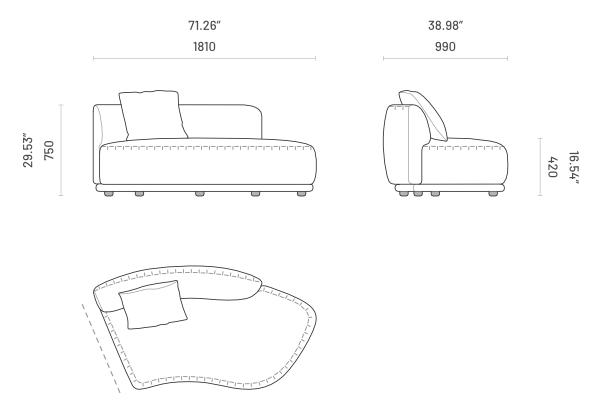
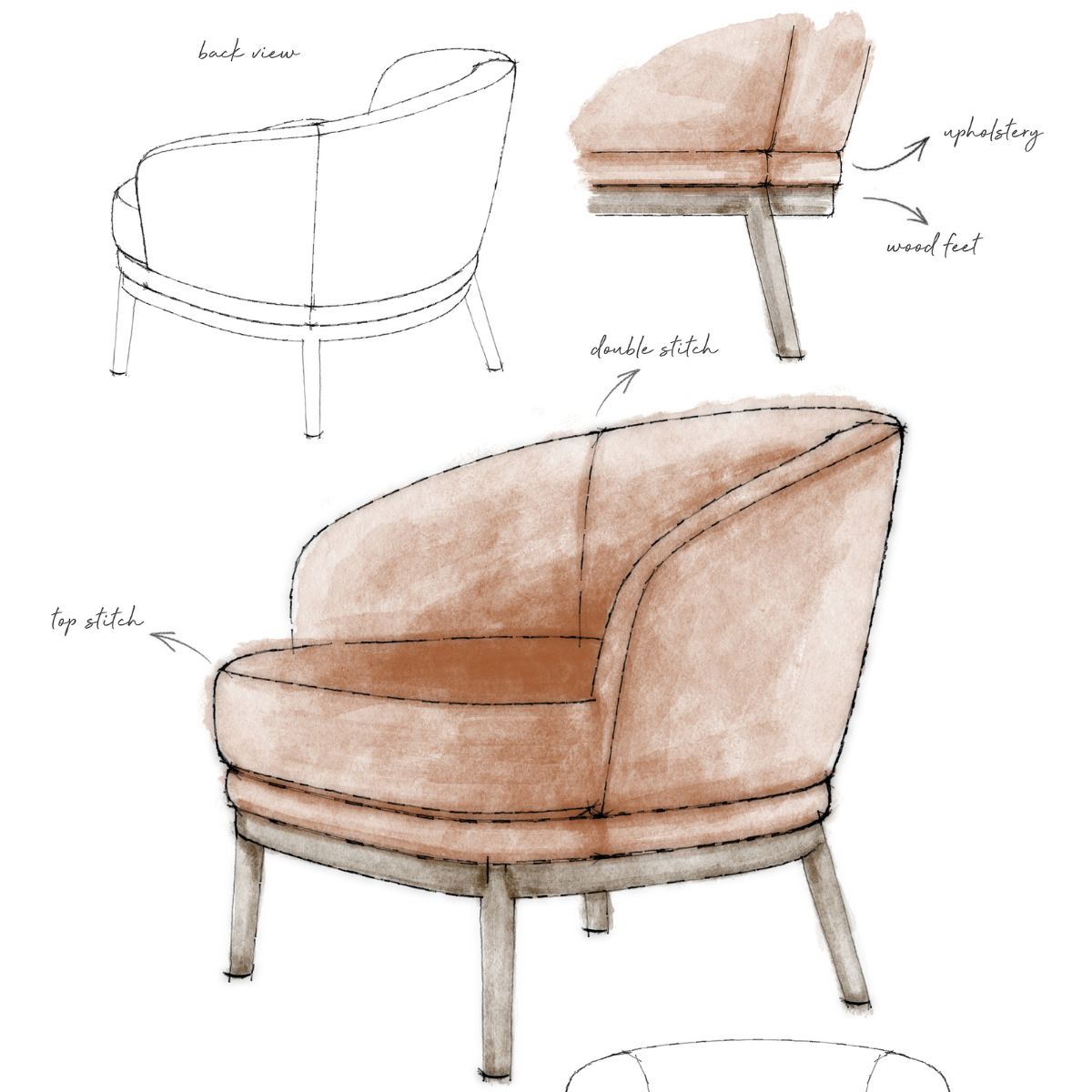
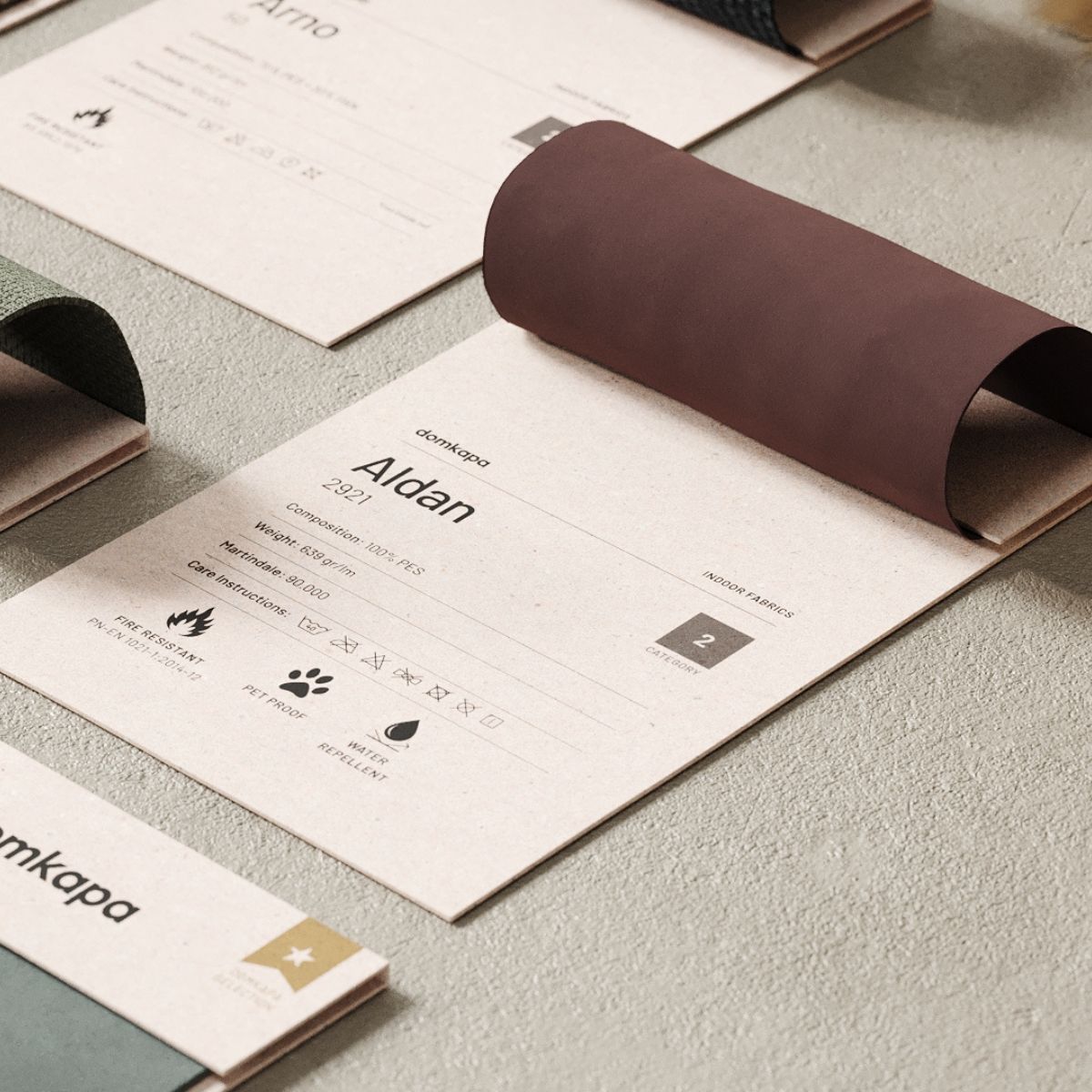
Spatial planning that accounts for real dimensions, structural constraints and circulation still requires a trained eye and, usually, a site visit. Building regulations vary by municipality and change over time – AI tools trained on general data won’t reliably reflect the code that applies to a specific project. Ergonomics and furniture specification depend on how a piece actually performs: seat depth, arm height, cushion density, how upholstery wears over years of use. None of that is visible in a generated image. Material performance – how a fabric handles humidity, how a finish ages in direct sun, how a frame holds up under commercial use – comes from testing and manufacturer knowledge, not from a language model’s training data.
Budget optimisation and procurement realities are similarly hands-on: lead times shift, suppliers go out of stock, currency and shipping costs fluctuate. And perhaps most importantly, understanding what a client actually needs beyond what’s written in a brief comes from conversation, observation and experience with people – not from a prompt.
Where AI Excels vs. Where Human Expertise Is Essential
Task Area |
Where AI Excels |
Where Human Expertise Is Essential |
|---|---|---|
| Concept ideation | Fast generation of style, colour and mood directions | Choosing the direction that fits the client and the space |
| Renders & visuals | Early-stage, directional mood renders and alternatives | Construction-accurate, technically correct renders |
| Content & copy | First drafts, summaries, structure | Brand voice, accuracy, client-specific nuance |
| Administrative tasks | Scheduling, research, email drafting, document sorting | Judgement calls on priorities and exceptions |
| Spatial planning | — | Circulation, structural constraints, code compliance |
| Furniture specification | — | Ergonomics, material performance, supplier relationships |
| Client relationships | — | Trust, emotional read, negotiation, site presence |
The Risks Designers Shouldn’t Ignore

A few risks come up often enough to name directly.
AI tools can fabricate information with total confidence – a furniture dimension, a material property, a regulation – and present it as fact. Renders can show architectural solutions that are structurally impossible: a cantilever with no visible support, a window where a load-bearing wall would need to be. Copyright and intellectual property remain unresolved territory; the legal status of AI-generated imagery and how closely it can resemble an existing designer’s work is still being tested.
Confidentiality is a quieter but serious concern – uploading floor plans, client names or unreleased project details into a public AI tool means that information now sits on a server outside your control. AI-generated imagery also carries the bias of its training data, which tends to default toward a narrow, often Western, aesthetic unless deliberately steered otherwise. And relying on AI too heavily for ideation risks the opposite of originality: generic, recognisable “AI-look” interiors that several other studios end up producing from similar prompts.
The common thread is verification. Every AI output – a dimension, a fact, a rendered detail – needs to be checked against a reliable source before it reaches a client.
Five AI Mistakes Every Interior Designer Should Avoid
1. Trusting a generated furniture dimension without checking the manufacturer’s technical drawing.
2. Uploading confidential client floor plans or personal details into a public AI tool.
3. Presenting an AI render as construction-ready without a technical review.
4. Letting AI generate a full client-facing document without an edit pass for accuracy and voice.
5. Using AI-generated concepts without checking how closely they resemble existing published work.
AI and Professional Responsibility
None of this shifts accountability. If a specification is wrong, a code requirement is missed or a client is unhappy with a delivered space, the designer is responsible, not the tool that helped draft an early version. Technical accuracy, code compliance, product suitability, client approvals and final specifications all still run through a professional who understands the consequences of getting them wrong.
AI can produce a first draft of nearly anything; it cannot sign off on it. Treating an AI output as a starting point rather than a finished answer is the difference between using the tool well and outsourcing judgement you’re paid to provide.

A Practical Workflow: Where AI Fits Best
A simple sequence keeps AI in a supporting role without letting it drift into the parts of the process that need a professional check.
- Research and inspiration: gather reference points and precedents quickly.
- Initial concept generation: generate a range of directions to discuss with the client.
- Mood board development: refine AI output against actual material and finish samples.
- Client communication: draft presentations and summaries, then edit for tone and accuracy.
- Specification research: summarise supplier data with AI, then verify against technical drawings.
- Final human review and approval: every deliverable gets a professional check before it reaches a client.
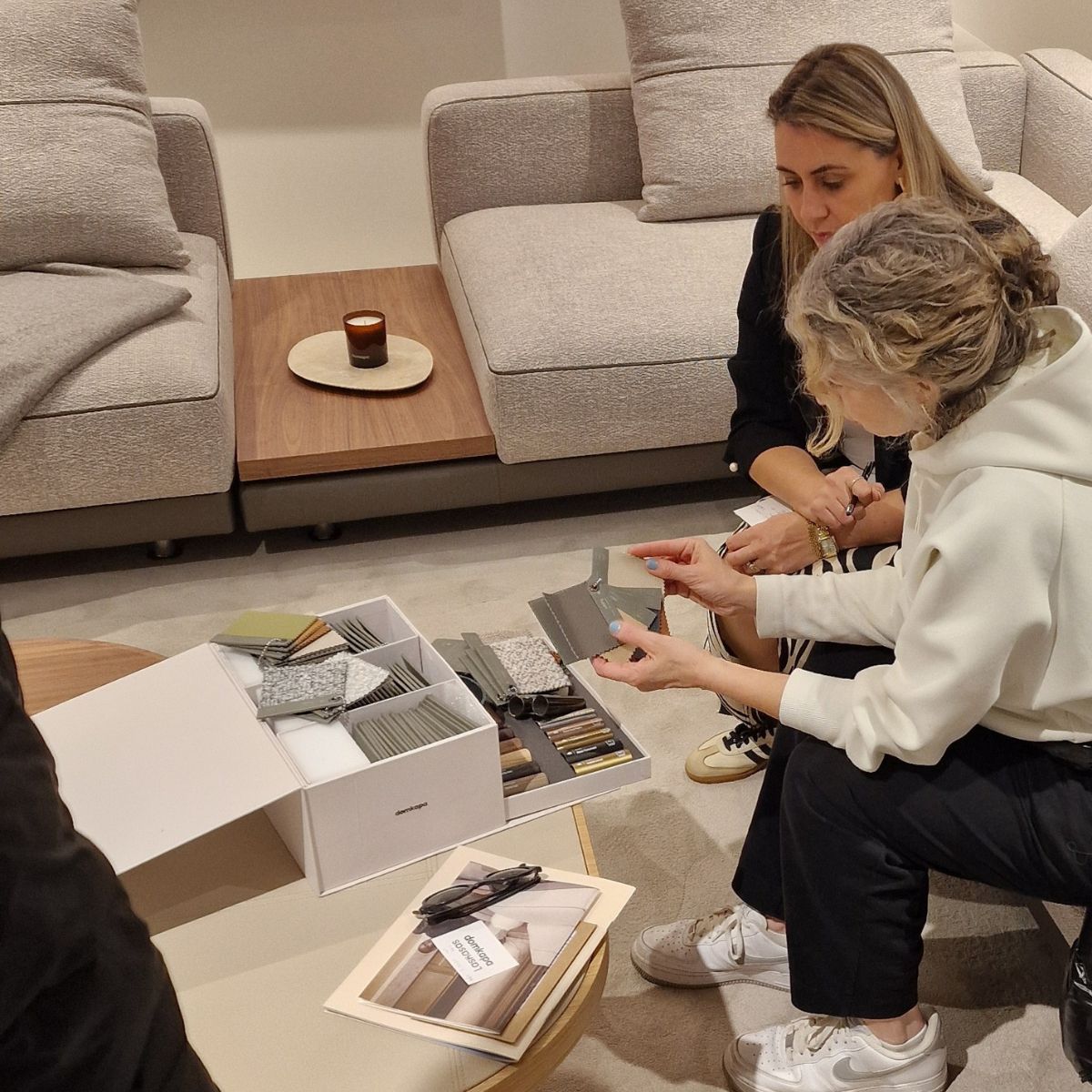
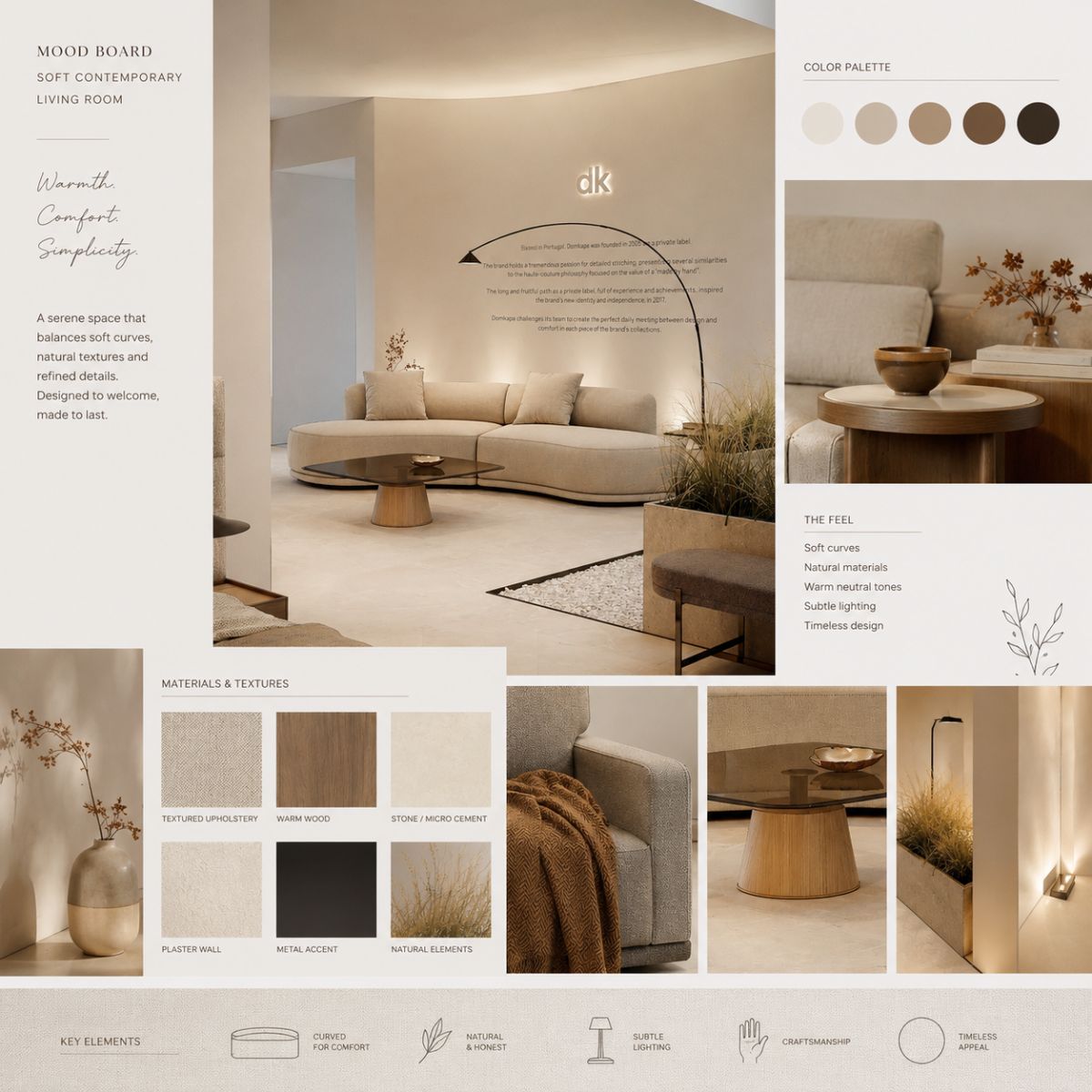
In a hospitality project – a boutique hotel lobby, say – this might mean using AI to generate several mood directions overnight, narrowing to two with the client the next morning, then handing the chosen direction to the studio’s own process for material sourcing and technical drawing, where samples and manufacturer specification sheets take over from generated imagery.
For a residential living room, it might mean drafting three colour palette options with AI but confirming upholstery performance and construction details directly with the manufacturer before anything is specified.
Should You Use AI for This Task?
1. Is this task creative or repetitive?
2. Can the output be independently verified?
3. Does it involve confidential client information?
4. Would I confidently present this without reviewing it first?
5. Does it support my expertise or replace judgement I’m paid to apply?
AI is neither a miracle solution nor a passing trend. It’s a genuinely useful assistant for the repetitive, time-consuming parts of running a design practice – the parts that take up real hours but don’t require years of trained judgement. What it can’t do is replace the technical knowledge, emotional read and hands-on material understanding that make interior design a profession rather than a production process.
The designers getting real value from these tools are the ones who know exactly where that line sits and who use the time AI saves to do more of the work only they can do.
YOU MAY ALSO LIKE: The Hidden Risks Of Ordering Upholstered Furniture Online And How To Avoid Them
We are working every day to bring you the most stylish ideas to fulfil your inspiration and to create the best interior design projects, so feel free to follow our Instagram Page and subscribe to our newsletter.